01安装 SkillInstall the Skill
在 Codex 中直接提出下面这句话;也可以把公开目录放到本机的 Skills 文件夹。Ask Codex directly with the prompt below, or place the public directory in your local Skills folder.
从 AI-Scarlett/LingGlow 的 skills/skin-abstract 安装皮肤制作 Skill。Install the skin-making Skill from AI-Scarlett/LingGlow at skills/skin-abstract.
手动位置:~/.codex/skills/skin-abstract/Manual location: ~/.codex/skills/skin-abstract/
02准备一套可用素材Prepare usable assets
明确浅色或深色模式,并准备一个全局背景、独立的 Codex 3:1 首页图,以及真实 Alpha 通道的 WorkBuddy 吉祥物。Choose light or dark mode and prepare one global background, a distinct 3:1 Codex home image, and a WorkBuddy mascot with a real alpha channel.
16:10全局背景Global background3:1Codex 首页图Codex home artα透明吉祥物Transparent mascot
03适配、验证与打包Adapt, verify, package
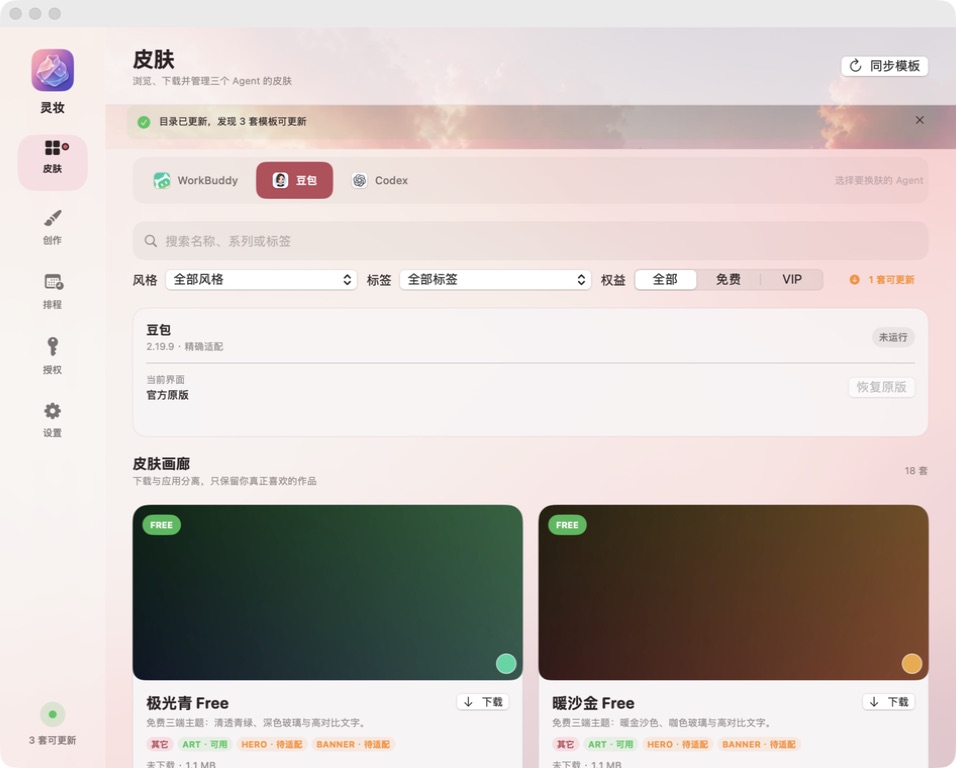
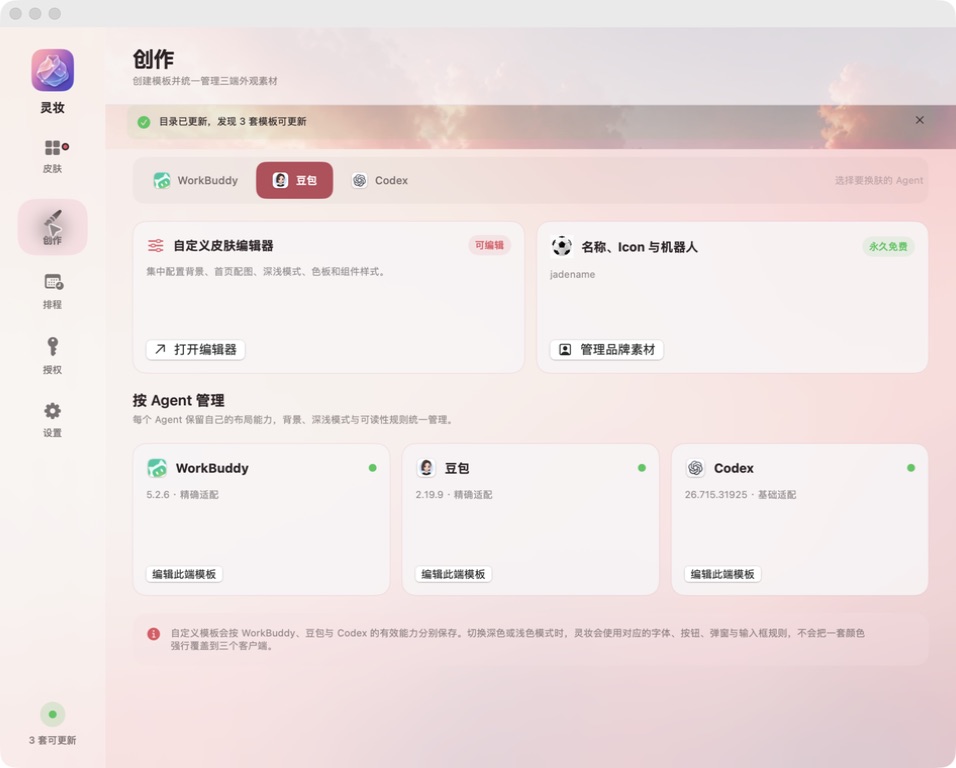
Skill 会要求在 WorkBuddy、豆包和 Codex 的真实界面中测试主页、历史、输入框、菜单、弹窗和回滚;通过后再输出声明式 Theme Pack。The Skill requires real-client checks in WorkBuddy, Doubao, and Codex: home, history, composer, menus, dialogs, and rollback. Only then does it output a declarative Theme Pack.
查看完整制作方法 ↗Read the full guide ↗ ✓公开目录只接收已完成素材权利审查、三端截图与交互验证、回滚验证,并经维护者确认的皮肤。Skill 不会自动发布未确认的作品。The public catalog only accepts skins that have passed asset-rights review, three-client screenshots and interaction checks, rollback verification, and maintainer approval. The Skill never auto-publishes unapproved work.